
Men's Hair Systems
How to Choose a Men’s Hair System: Base, Color, Density, Curl & Lifestyle
Sep
Quick answer
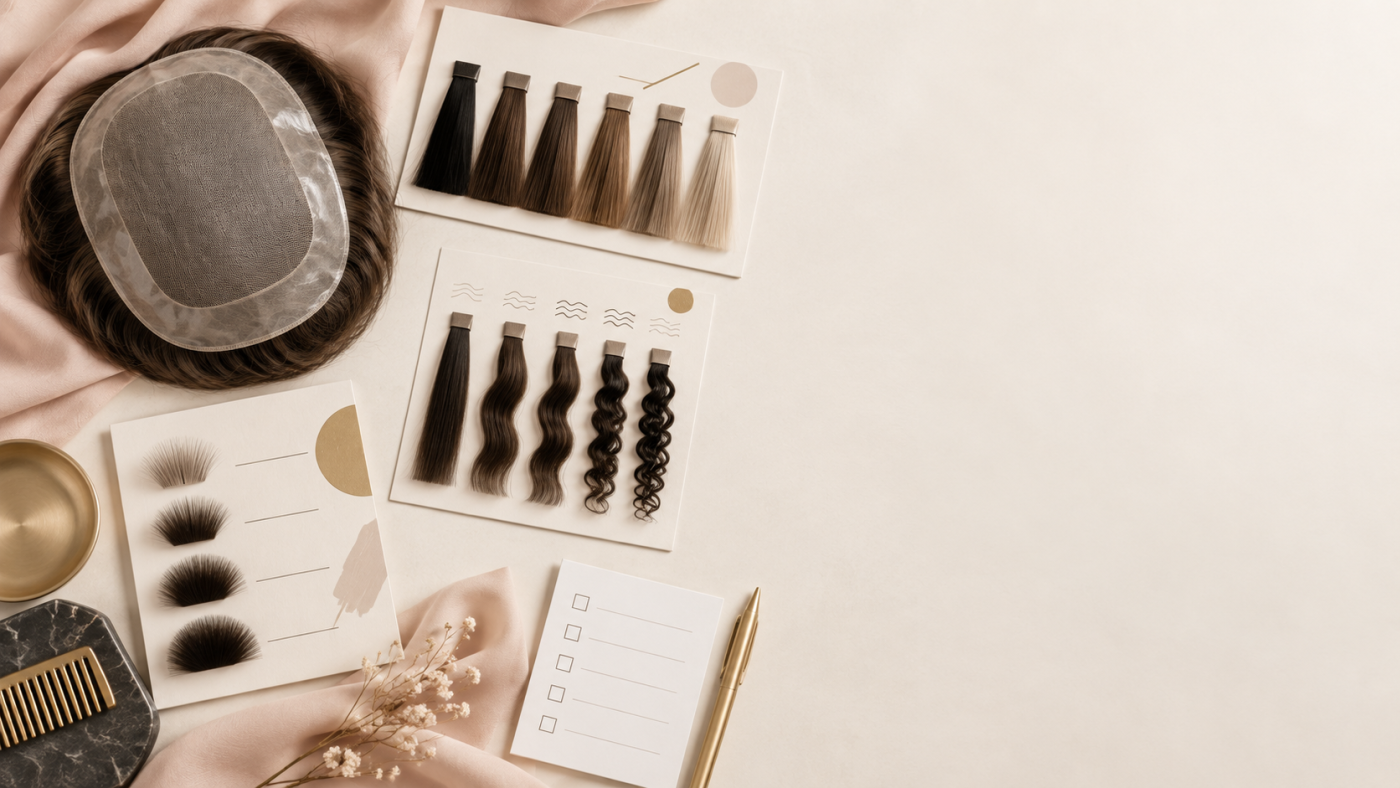
To choose a men’s hair system, start with the base construction, then confirm the available hair color, density, texture or curl, and customization options for the specific product. Pwigs currently presents thin skin, lace, mono, and custom men’s hair-system options. The right choice depends on the look and routine you want; the individual product listing remains the source of truth for its exact configuration.
Key takeaways
- Choose the base before comparing color, density, and texture.
- Treat hair color and lace color as separate decisions, and confirm both only where the current product listing provides them.
- Pwigs’ current density note describes 120% as standard/medium density for stock full-lace and lace-front wigs; it should not be generalized to every men’s system.
- Choose curl, texture, and length from the options actually offered for the product you are considering.
- If the stock specification does not match your intended style, ask Pwigs to confirm whether a custom combination is available.
Step 1: Choose the base construction
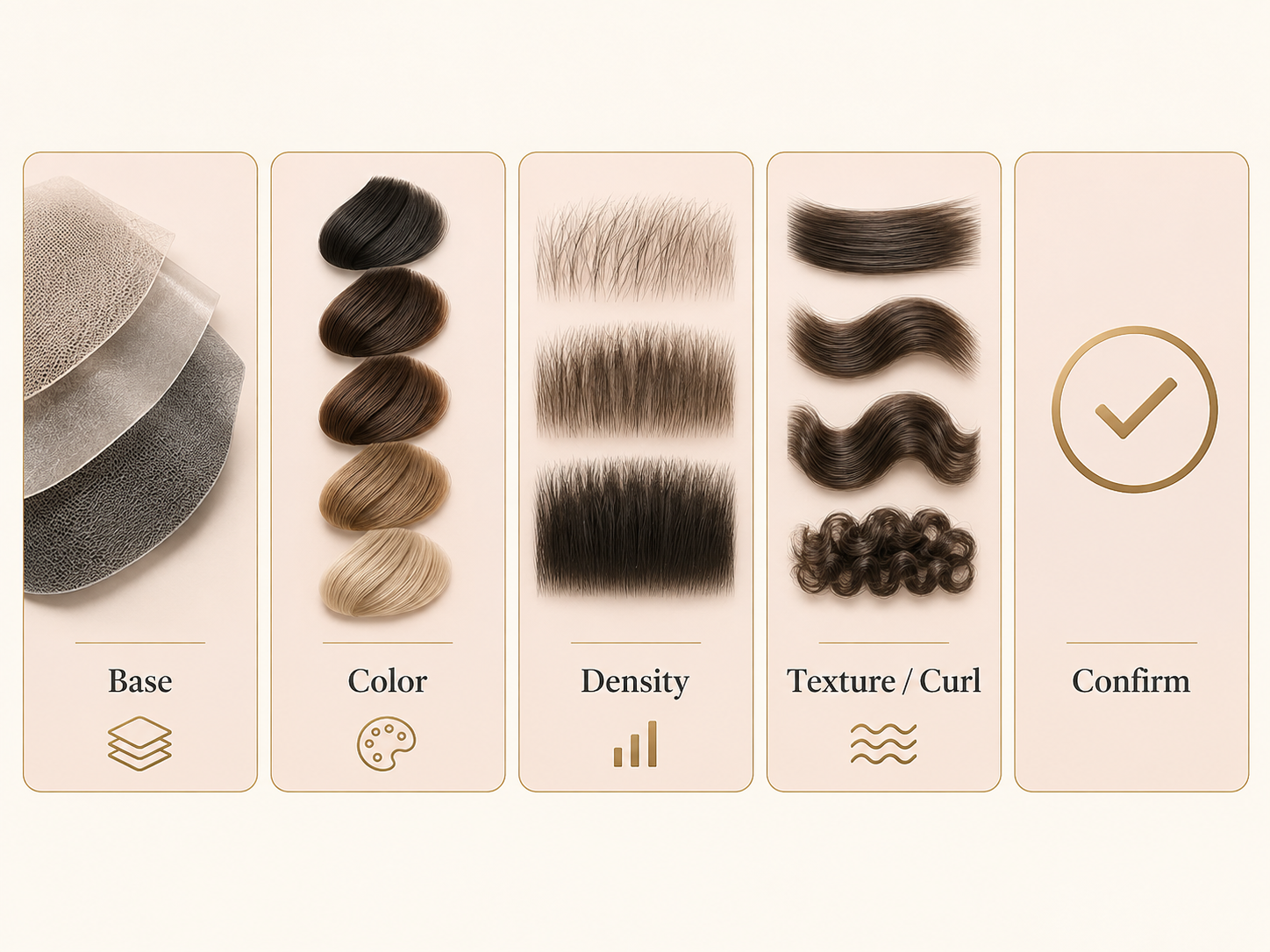
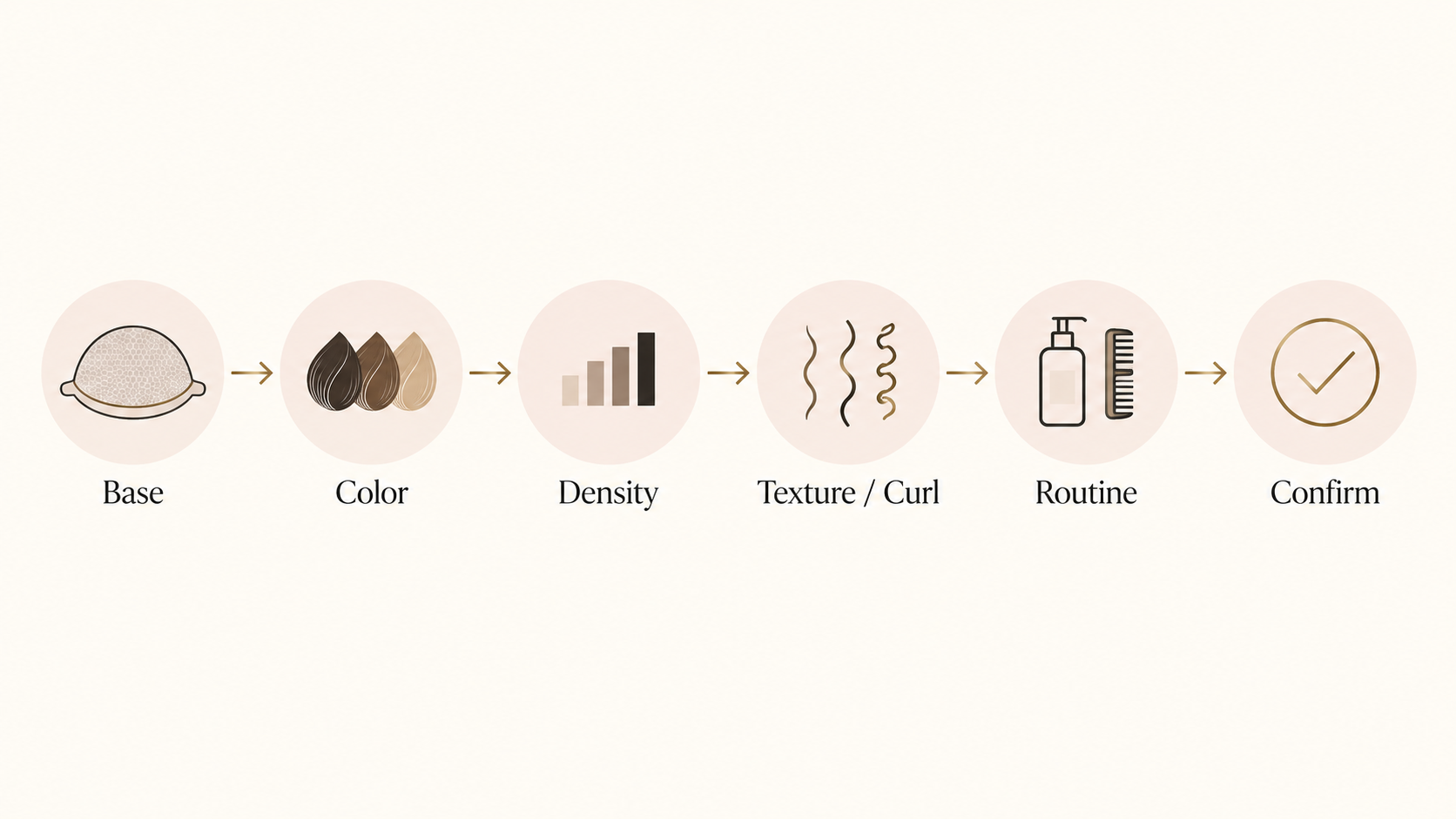
Base construction is the first useful filter because it determines which product group you should compare. Pwigs’ men’s structure includes men’s hair systems, thin skin systems, lace systems, mono systems, and custom hair systems.
Thin skin
Use the thin skin category when you want to compare the products listed there. Review the exact construction, available colors, density, texture, and size information on each product rather than assuming that every thin skin listing has the same specifications.
Lace
Use the lace category when you want to compare the products listed there. Check the individual listing for the available lace type, hair options, density, and other product-specific details. Do not infer wear duration, adhesive compatibility, or a universal result from the word “lace” alone.
Mono
Use the mono category when you want to compare the products listed there. The category helps narrow the search, but the product page should confirm the actual construction, hair options, and available customization.
Custom
Consider custom options when the stock product does not combine the base, color, density, texture, or other specifications you need. Confirm the requested combination with Pwigs before payment; a general guide cannot confirm availability for a particular order.
Step 2: Confirm the color you actually need
Color is not a single universal rule. Start with the hair-color options shown on the product listing and compare them with the finished style you want. If the product also asks for a lace color, treat that as a separate field rather than assuming that a hair-color choice automatically determines it.
Before ordering, confirm:
- The exact hair color name or option shown for the product.
- Whether the product provides a separate lace-color selection.
- Whether the selected color is available for the chosen base, length, density, and texture.
- Whether Pwigs needs to confirm a custom color combination before payment.
Step 3: Use density as a documented specification
Density describes how thick or thin the hair appears. Pwigs’ current density reference identifies 120% as standard/medium density and says that stock full-lace and lace-front wigs default to 120%; custom orders can provide other densities. That statement is a store-specific reference for the products it describes, not a reason to assume that every men’s hair system uses 120%.
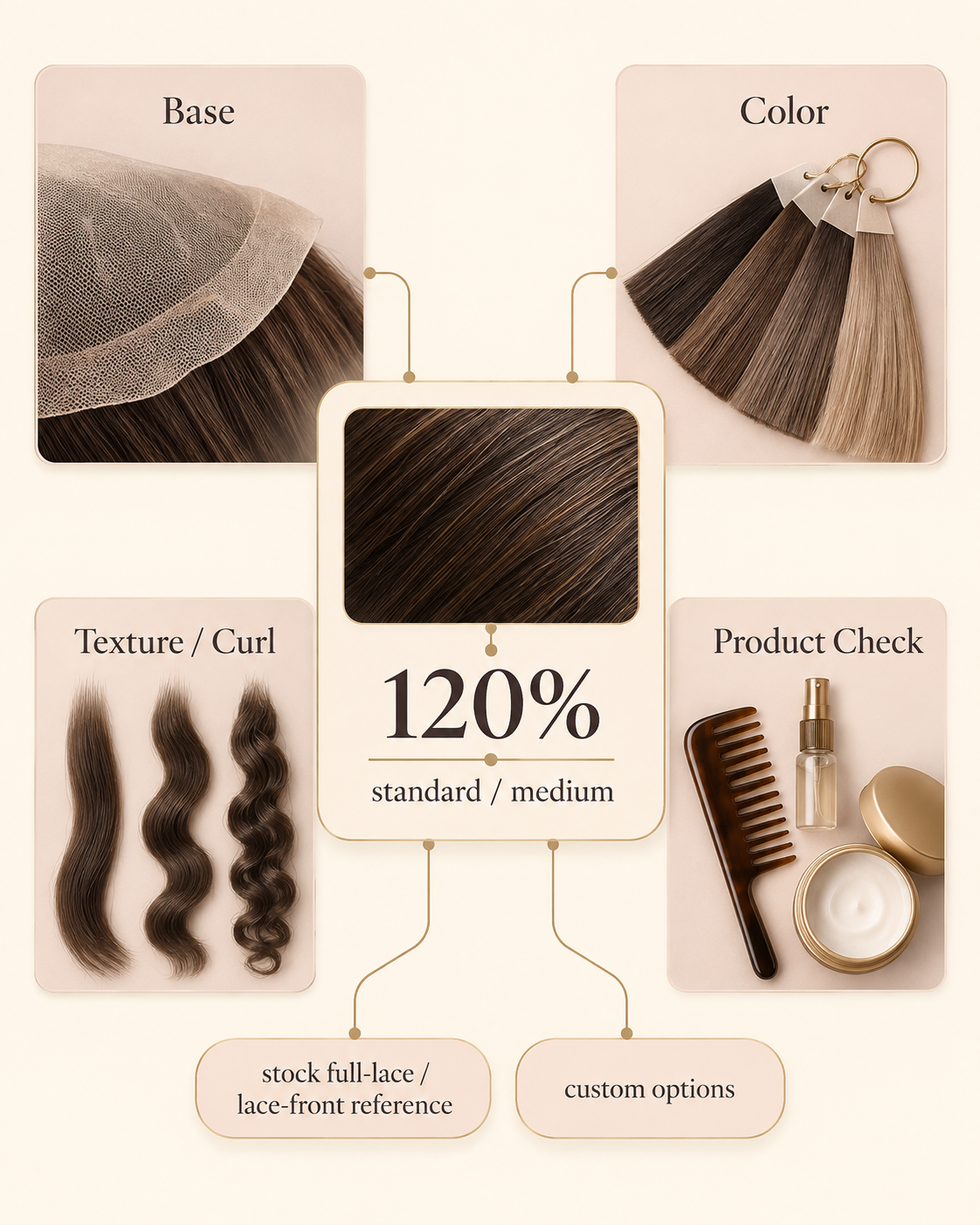
When comparing a product, ask:
- What density is listed for this exact system?
- Is the density a stock option or a custom request?
- Does the selected density work with the desired color, length, and texture?
- Is the product page clear about the available choices, or should Pwigs confirm them?
Step 4: Choose curl, texture, and length from the finished style
Texture and curl should be selected from the options actually offered by the product. Start with the finished style you want to create, then confirm the product’s listed texture, curl pattern, length, and color combination. Avoid choosing by a general claim that one texture is objectively better; the useful comparison is whether the listed specification matches your intended look and routine.
Step 5: Match the system to your routine
Lifestyle is best handled as a product-confirmation checklist, not as a universal performance claim. Ask yourself:
- What finished style do you want day to day?
- Which listed texture, curl, and length support that style?
- Does a stock configuration contain the combination you need?
- Which details require Pwigs confirmation before ordering?
A practical decision table
| Decision | What to confirm | What not to assume |
|---|---|---|
| Base | Thin skin, lace, mono, or custom construction | That all products in one category have identical specifications |
| Color | Hair color and any separate lace-color option | That one color rule works for every product or customer |
| Density | The density printed for the exact product; 120% only within the documented Pwigs scope | That 120% applies to every men’s system |
| Texture and curl | The actual texture, curl, and length options offered | That a general texture label guarantees a specific result |
| Customization | Whether Pwigs confirms the requested combination | That a stock product can be changed without confirmation |
Before you order
Use this checklist before moving from comparison to checkout:
- Select the base category that matches the main construction you want to compare.
- Read the exact product specification for color, density, texture, curl, length, and size information.
- Keep hair color and lace color separate when both choices are shown.
- Ask Pwigs to confirm any custom combination or specification that is not clearly listed.
- Do not infer cap measurements from a general article; use a current product or support response.
- Save the confirmed configuration so the base, color, density, and texture remain consistent through ordering.
FAQ
What should I choose first when buying a men’s hair system?
Start with the base construction. Once you know whether you are comparing thin skin, lace, mono, or custom options, review the product’s color, density, texture, curl, length, and other listed specifications.
What does 120% density mean?
Pwigs’ current density reference describes 120% as standard/medium density. It also says stock full-lace and lace-front wigs default to 120%, while custom orders can provide other densities. Confirm the exact density for the product you want.
Is one base objectively better than the others?
There is no universal answer in this guide. Compare the base against your own styling goal and the product’s documented specifications. A category name alone does not confirm wear duration, durability, adhesive compatibility, or any medical outcome.
How should I choose hair color and lace color?
Treat them as separate decisions. Confirm the hair color from the product listing, then select a lace color only where the current product provides that choice. Ask Pwigs to confirm combinations that are not clearly listed.
Can I request a custom density or base?
Pwigs presents custom hair-system options, and its density reference says custom orders can provide other densities. Confirm the exact base, density, color, and texture combination before payment.
Where can I compare men’s hair systems?
Start with the men’s hair systems collection, then compare the thin skin, lace, mono, and custom categories linked in the base-construction section above.
Sources and editorial note
This draft uses the current Pwigs homepage/category structure, the current density reference, the local taxonomy snapshot, and the approved content source notes. Individual product specifications are the source of truth immediately before publication. This article does not provide a cap-measurement procedure or make promises about wear duration, durability, medical outcomes, shipping, returns, or warehouse location.
